One queue, every job
Drag, reorder, skip, cancel - the same queue handles conversion, loudness, PolyWAVs, and whatever else you've lined up.
 collav
Native macOS app
Conversion, trimming, loudness, normalisation, PolyWAV splitting, metadata, sound reports, and a custom command builder - all sharing one drag-and-drop queue and one set of presets. The terminal is still right there if you want it.
FFmpeg isn't bundled - point Reele at your own binary, or install one and forget about it.
One queue, every job
Drag, reorder, skip, cancel - the same queue handles conversion, loudness, PolyWAVs, and whatever else you've lined up.
No hidden commands
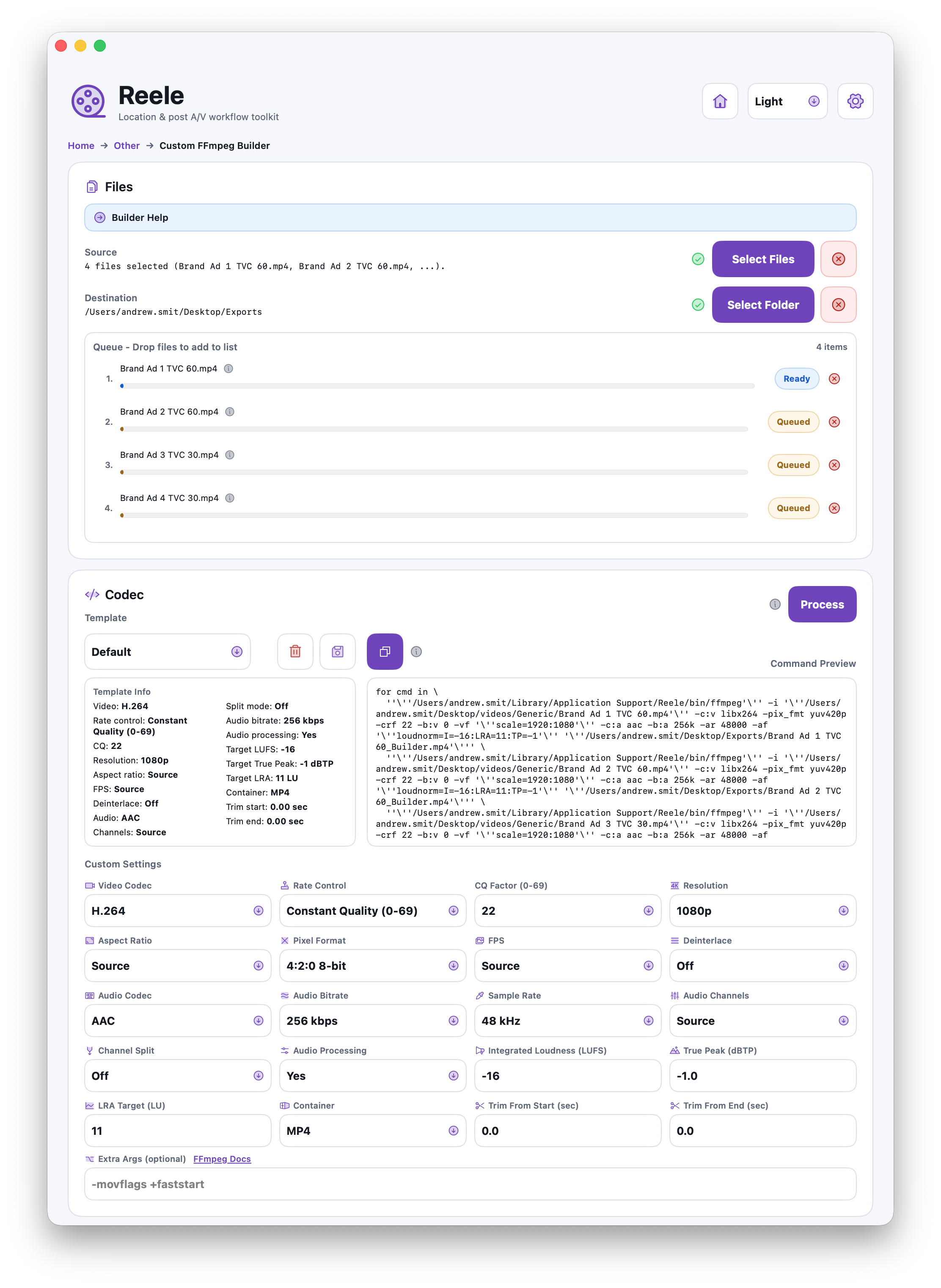
Every operation shows the FFmpeg command it generates. Copy it, tweak it, or run it elsewhere - Reele won't fight you.
Actually native
SwiftUI, real menus, real shortcuts, light/dark/system. Not a web app in a window.
Key workflows
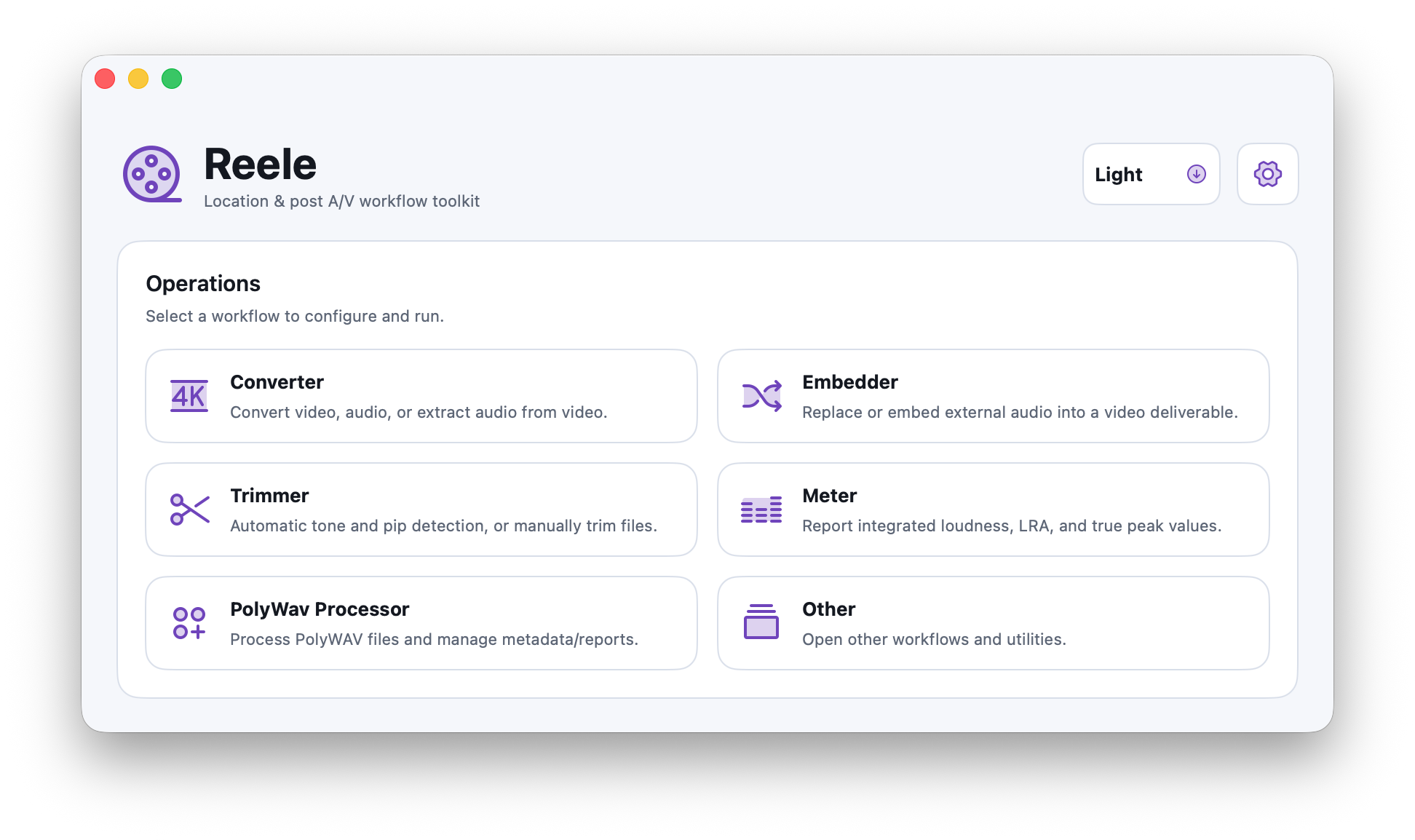
Each operation is its own card. No nested menus, no app-switching, no hunting through tabs to find the loudness pass.
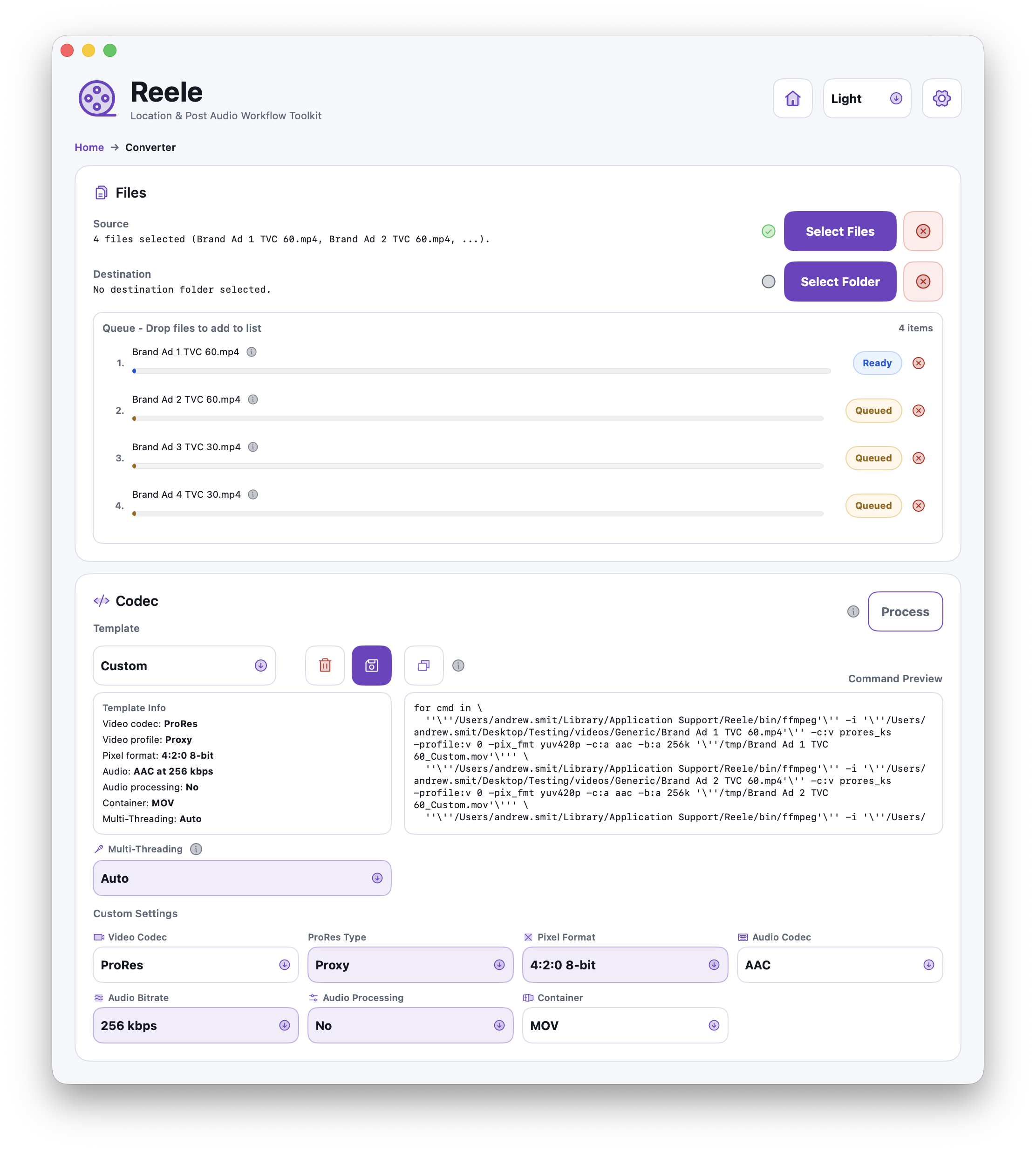
Video to video, audio to audio, audio out of video. Presets for the jobs you do every week, codec-level controls for the ones you don't.
Auto-detect leaders and tail tones, or trim manually with a preview you can scrub before anything writes to disk.
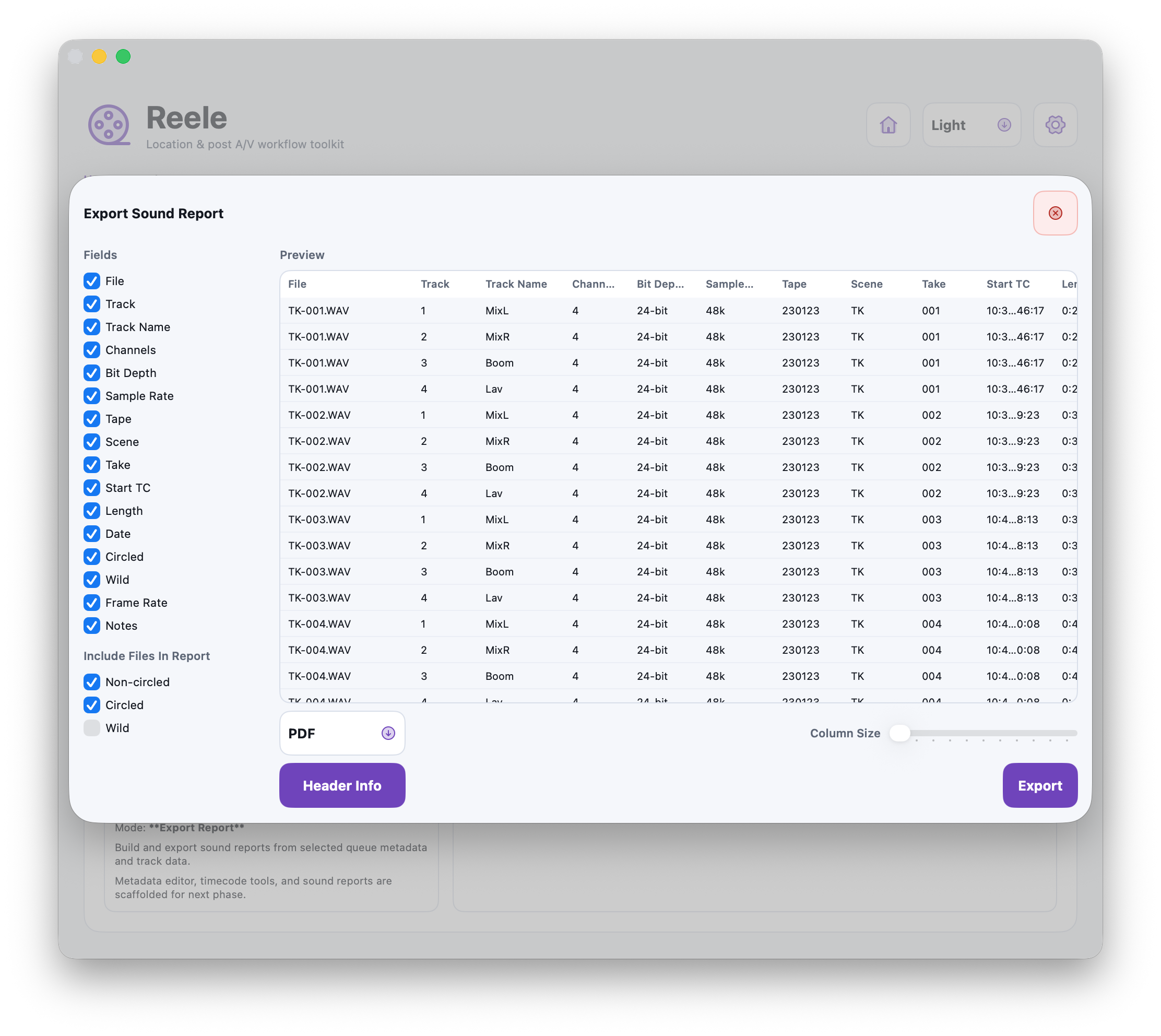
Split or build poly WAVs, edit BWF metadata in place, and export CSV or PDF sound reports straight from the same window.
When the presets don't cover it, build the command, save it as a template, and pin it to the dashboard like any other operation.
Also included
Screenshots
The dashboard, a converter mid-queue, a PolyWAV report, and the custom builder when things get specific.
Download
Latest macOS build. Conversion, trimming, loudness, PolyWAV, reports, and custom FFmpeg in one app.